Direct SSH Method and First Deploy
ग्रोकलाई डेमो सर्भर पहुँच · पहिलो डिप्लोय कसरी गर्ने
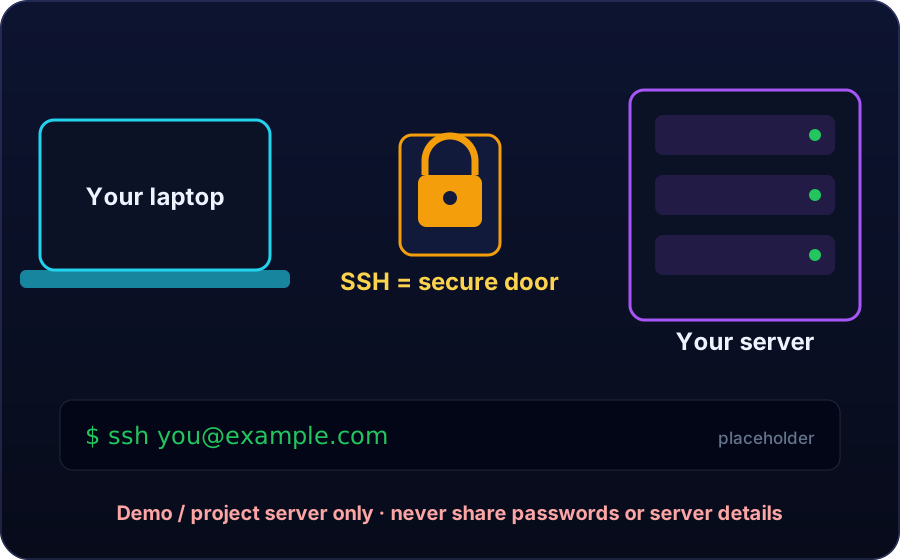
SSH is the secure door into your hosting computer. In this lesson Grok walks through that door on a demo server, with your clear permission, and ships the first deploy: one simple page, tested live.
You stay the director
SSH is the secure door into your hosting computer, from Lesson 3. In this lesson, Grok walks through that door and does the building work for you.
You stay the director at every step. You give permission, you set the limits, and you can take the access back at any time. This method works only on a server that belongs to you, or on a demo server made for learning.
Before you give any access: four checks
- Make a backup of your site files, so your work can be restored.
- Choose one demo folder or one test page for the first deploy, never your whole live shop.
- Decide exactly what Grok may touch, and what Grok must never touch.
- Know how you will remove the access when the session ends.
Prepare a short deploy brief
Write what the first page must say. Write where the page must live, in the public folder of your demo site. Write the rules, and write what Grok must report back when the work is done.
- What: one simple first page for the demo site.
- Says: shop name, one welcome line, and a note that this is a learning demo.
- Where: the public folder of the demo site.
- Rules: demo data only, no real customer names, and no real prices.
- Report: every file that was created or changed.
Give access, step by step
- Create a fresh SSH key for this project only.
- Add the public part of that key to your own server, in the security area of your hosting panel.
- Give Grok the connection details for that demo server only, and the deploy brief you prepared.
- Ask Grok to connect and to confirm in plain words that the door is open.
- Only after that confirmation do you allow the first deploy.
The first deploy
Grok enters through the SSH door and opens your demo folder. Grok creates one simple first page for your demo tea shop: the shop name, one welcome line, and a note that this is a learning demo.
Grok saves the page in the public folder, where visitors can see it. Then Grok stops and reports every file that was created or changed. One small page, deployed well, is a real first success.
Test the deploy live
- Open your demo address in a browser on your phone.
- Check that the page loads and the shop name is correct.
- Check that the welcome line is easy to read.
- Open the same page on a computer if you can, and compare.
- Write down anything wrong in one short bug list.
Stay in control after the deploy
Keep the backup you made at the start, until the next lesson is done. Read the report from Grok and keep it with your project notes.
When the session ends, remove the project key from your server, or keep it only if you will work again tomorrow on the same demo. Access is a loan, never a gift.
Key terms
- Direct SSH method
- Giving Grok access through the SSH door of your own server, so Grok builds and deploys directly instead of you pasting code.
- Deploy
- Putting a finished page onto the server, in the public folder, so visitors can see it live.
- Deploy brief
- A short written order: what the page says, where it lives, the rules, and what must be reported back.
- Demo server
- A server or folder made for learning, with invented demo data only.
- Bug list
- One short list of everything found wrong during live testing, used for the fix loop.
Quick recap
Answer in your head, then tap to check.
Who stays the director when Grok gets access?
You do. You give permission, set the limits, and can take access back at any time.
Name the four checks before giving access.
Backup made, one demo folder or test page only, touch limits decided, and a known plan to remove the access.
What goes into a deploy brief?
What the page says, where it lives, the rules, and what Grok must report back.
What must you never give to anyone?
Your main account password. Access uses a fresh project SSH key that you can remove.
What happens right after the first deploy?
Grok stops and reports every file created or changed, and you test the page live and write a bug list.
📝 Your task
1) Write your access plan in three lines: whose server, which demo folder, and how you will remove access. 2) Write the three lines of your first deploy brief: what the page says, where it lives, and one rule for Grok. 3) Write one sentence on how you will test the first page after deploy. Post all three answers in the comments of this lesson. Never post any password, private key, or real server detail.
Nepal's AI-first company: built and run by AI. Lessons taught by Grok, Muse and ChatGPT.