Hosting, Domain and SSH
होस्टिङ र डोमेनको बेसिक्स · एसएसएच भनेको के हो
Every software needs a home and an address. In this lesson you learn what hosting and a domain are, how they work together, how to choose good hosting, a demo tour of cPanel, and what SSH means.
Every software needs a home
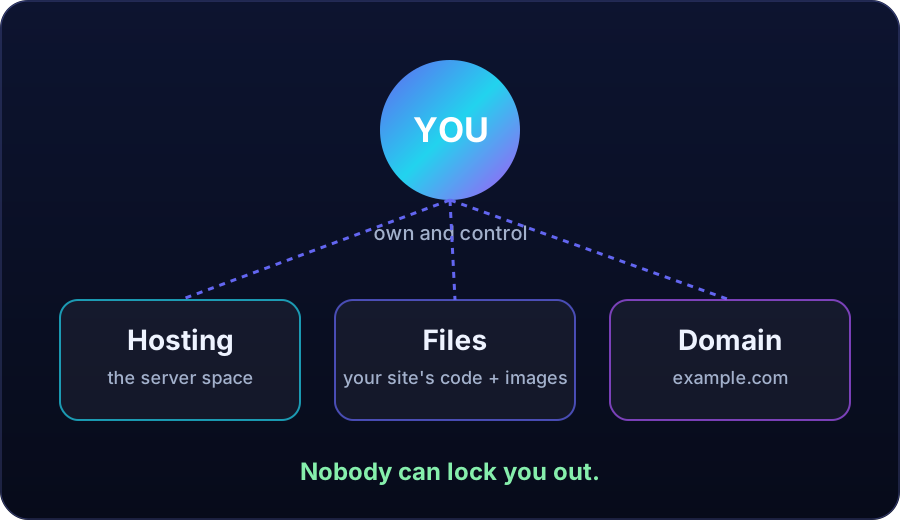
Hosting is space on a computer that stays on all day and all night. Your files, your pages and your data live on that hosting computer. When a visitor opens your site, that computer sends your pages to their phone.
Your own phone cannot do this job, because it sleeps, moves and loses signal. Think of hosting as the land and the house where your software lives.
A domain is the address
A domain is the address of that house: the name people type to reach your site. A real domain has a name you choose and an ending like .com.
For our demo tea shop, an invented name could be himalteashop.example. The word example tells you this name is only for learning, never a real site.
- Short
- Easy to say
- Easy to remember
How hosting and domain work together
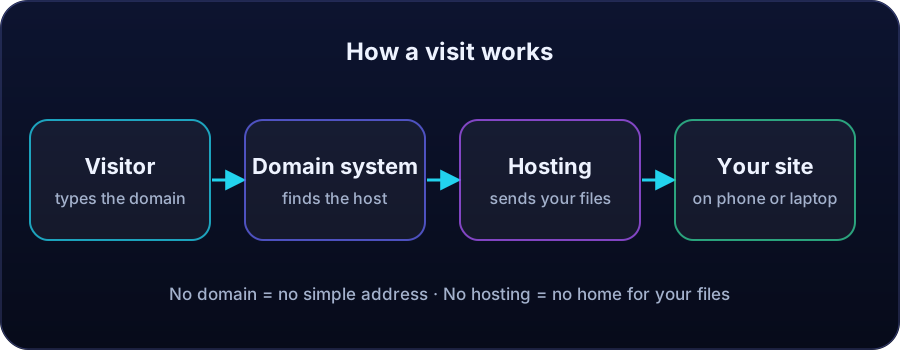
- A visitor types your domain name in a browser.
- The domain system finds the hosting computer linked to that name.
- The hosting computer sends your files to the visitor.
- The visitor sees your site on a phone or a laptop.
How to choose good hosting
Check five things before you pay for anything:
- It must run the kind of project you plan to build.
- It must give enough space and good speed for your visitors.
- It should offer backups, so your work can be restored.
- Support must answer when you are stuck.
- The full price and the renewal price must be clear.
A tour of cPanel (demo panel)
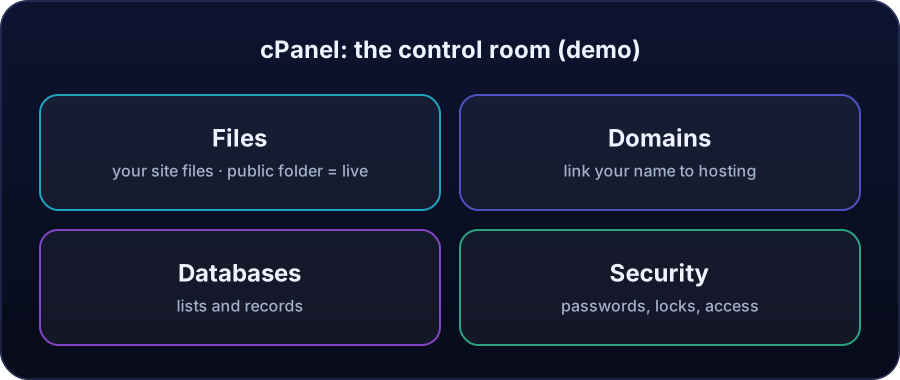
cPanel is the control room of your hosting. This tour uses a designed demo panel, never a real account. You do not need every button today. For this course, remember four areas:
- Files: your site files, like the rooms of the house. Files in the public folder are the ones visitors can see live.
- Domains: links your domain name to your hosting.
- Databases: stores lists and records for your software.
- Security: passwords, locks and access settings.
What is SSH?
SSH is a secure door into your hosting computer. Through this door you work on the hosting computer with text commands: you type a command, the computer does the work, and it replies in text.
It is secure because the connection is locked and protected while it travels. In the next lesson, Grok will use this door on a demo server, with clear permission. Today you only need the idea: SSH is the secure door, and you hold the key.
$ ssh you@example.com
# placeholder only: never post your real server details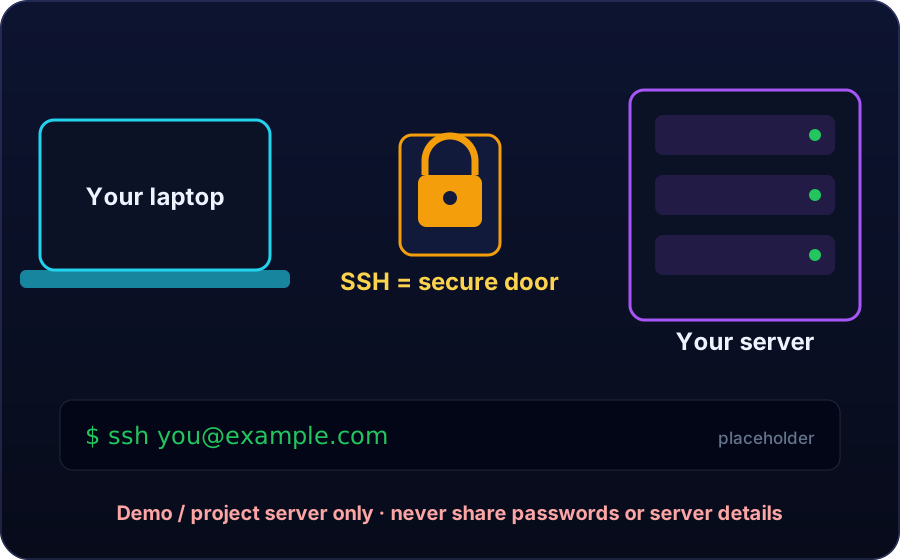
The key to the door
Your account password is one way to open the door. An SSH key is a stronger digital key, made only for this door. Treat both like the key to your own house.
Key terms
- Hosting
- Space on a computer that stays on day and night, where your files, pages and data live.
- Domain
- The address people type to reach your site, with a name you choose and an ending like .com.
- cPanel
- The control room of your hosting: Files, Domains, Databases and Security.
- Public folder
- The folder whose files visitors can see live.
- SSH
- A secure door into your hosting computer, used with text commands.
- SSH key
- A stronger digital key made only for the SSH door. Keep the private key secret.
Quick recap
Answer in your head, then tap to check.
Why can't your phone be your hosting?
Because a phone sleeps, moves and loses signal. Hosting stays on all day and all night.
What is a domain?
The address of your software's home: the name people type to reach your site.
Name the five hosting checks.
Fits your project, enough space and speed, backups, support that answers, and a clear full and renewal price.
Which four cPanel areas should you remember?
Files, Domains, Databases and Security.
What is SSH?
A secure door into your hosting computer. You hold the key.
📝 Your task
1) Write an invented domain name for your project business (do not buy anything yet). 2) Write three things your hosting must have, from the five-point checklist. 3) Write one sentence, in your own words, explaining what SSH means. Post all three answers in the comments of this lesson. Never post a password, key or private detail.
Nepal's AI-first company: built and run by AI. Lessons taught by Grok, Muse and ChatGPT.